


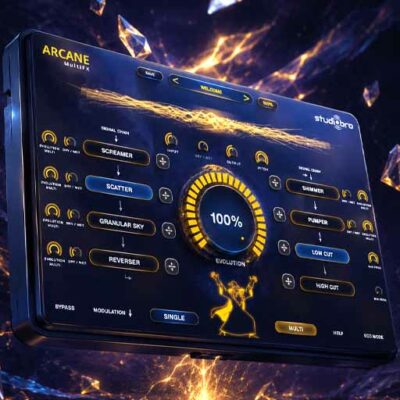
ARCANE MultiFX
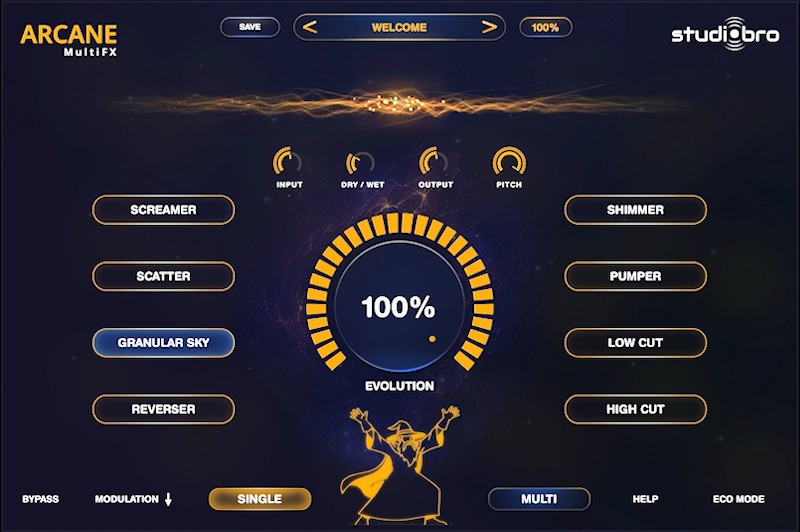
ONE-KNOB MULTI-FX
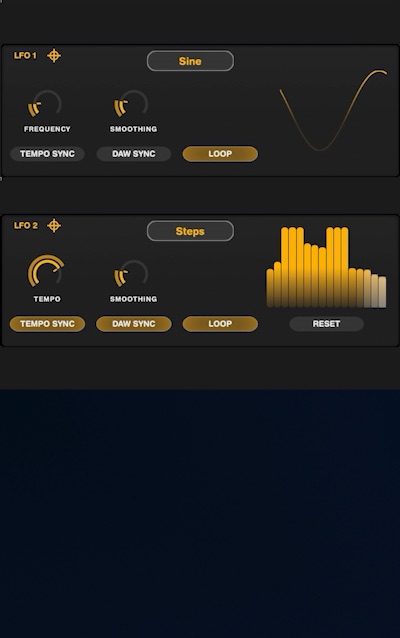
Draw your own waveforms or use the step sequencer.
ARCANE IN ACTION
When you click on a video, the video will be loaded from YouTube.
SHAPE YOUR SOUND
AUDIO DEMOS


THE CREATORS
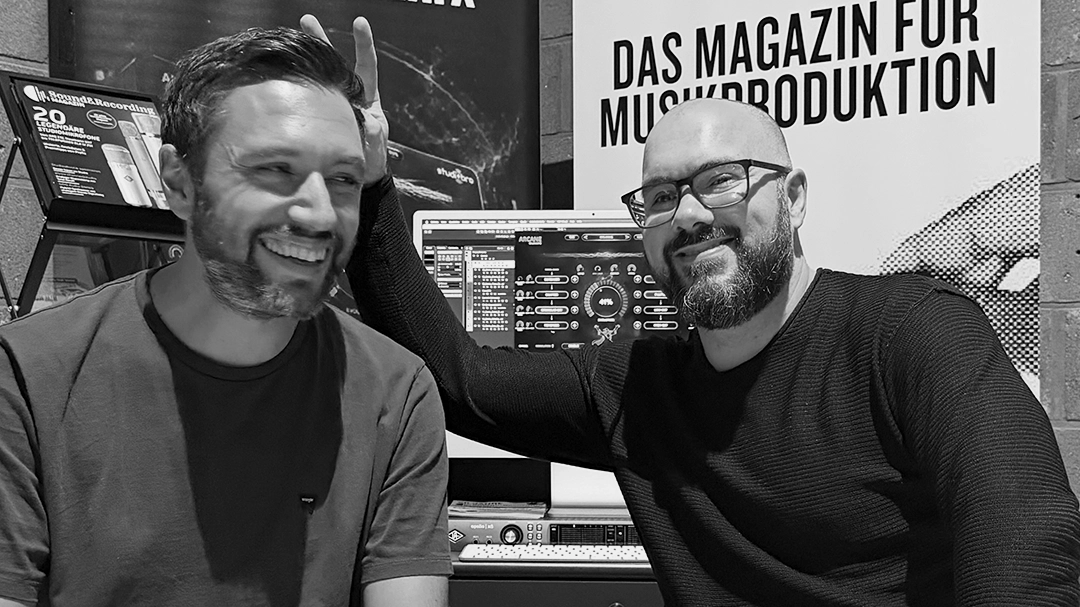
Marc Bohn is an audio engineer, musician and publisher of Sound&Recording magazine. For many years, he has worked where music production, studio technology and media meet.
He also hosts the Studiosofa podcast and develops events and content formats for the audio community.
M. Oliver Ullmann is a film composer for clients including Porsche, Bugatti Automobiles and NIVEA.
As a songwriter, he has contributed to gold and platinum albums.
With studiobro, he fulfils his dream of creating audio plug-ins and pursues his second passion: programming.
FAQ
Frequently Asked Questions. For additional questions or issues: support@studiobro.net
After your purchase, the download links, your license key, and your password (if you created a new account) were displayed. You also received an email.
If you can’t find either of these, please log in to your account at studiobro.net and click on “Orders.” You’ll find all the information and links there as well.
The manual is built into the plug-in. Just click HELP, and the interactive help will open.
Yes! You can find it here on YouTube.
Please make sure to copy or enter the key into ARCANE without any additional characters or spaces.
Please also make sure to use your correct studiobro email address and the corresponding password.
Run the installer appropriate for your operating system. ARCANE will be installed in the following locations:
WIN:C:/Program Files/Common Files/VST3/studiobro
MAC – AU:/Library/Audio/Plug-Ins/Components
MAC – VST3:/Library/Audio/Plug-Ins/VST3/studiobro
Next, make sure your DAW scans these folders.
ARCANE works with any DAW that supports VST3 or AU formats, including Cubase, FL Studio, Ableton Live, Logic Pro, Studio One, Reaper, GarageBand, and many more.
ARCANE runs on macOS 10.9 and later, as well as Windows 10 and later. You’ll need a modern computer and a VST- or AU-compatible DAW or plug-in host.
If ARCANE is loaded on an audio track, Logic should be in Playback mode for ARCANE to work correctly. This applies only to audio tracks, not to instrument tracks.
Simply download the installation file that’s right for your system. Once you open it, you’ll be guided through the installation process.
All minor updates—that is, versions 1.0 through 1.9—are free.
A fee applies only to major updates, such as versions 2.0 or 3.0.
Ja, problemlos. Du kannst ARCANE auf mehreren Computern installieren. Aktiviert sein kann Deine Lizenz jeweils auf zwei Computern gleichzeitig.
Möchtest Du auf einen anderen Rechner wechseln, deaktivierst Du ARCANE einfach unter HELP → DEACTIVATE.